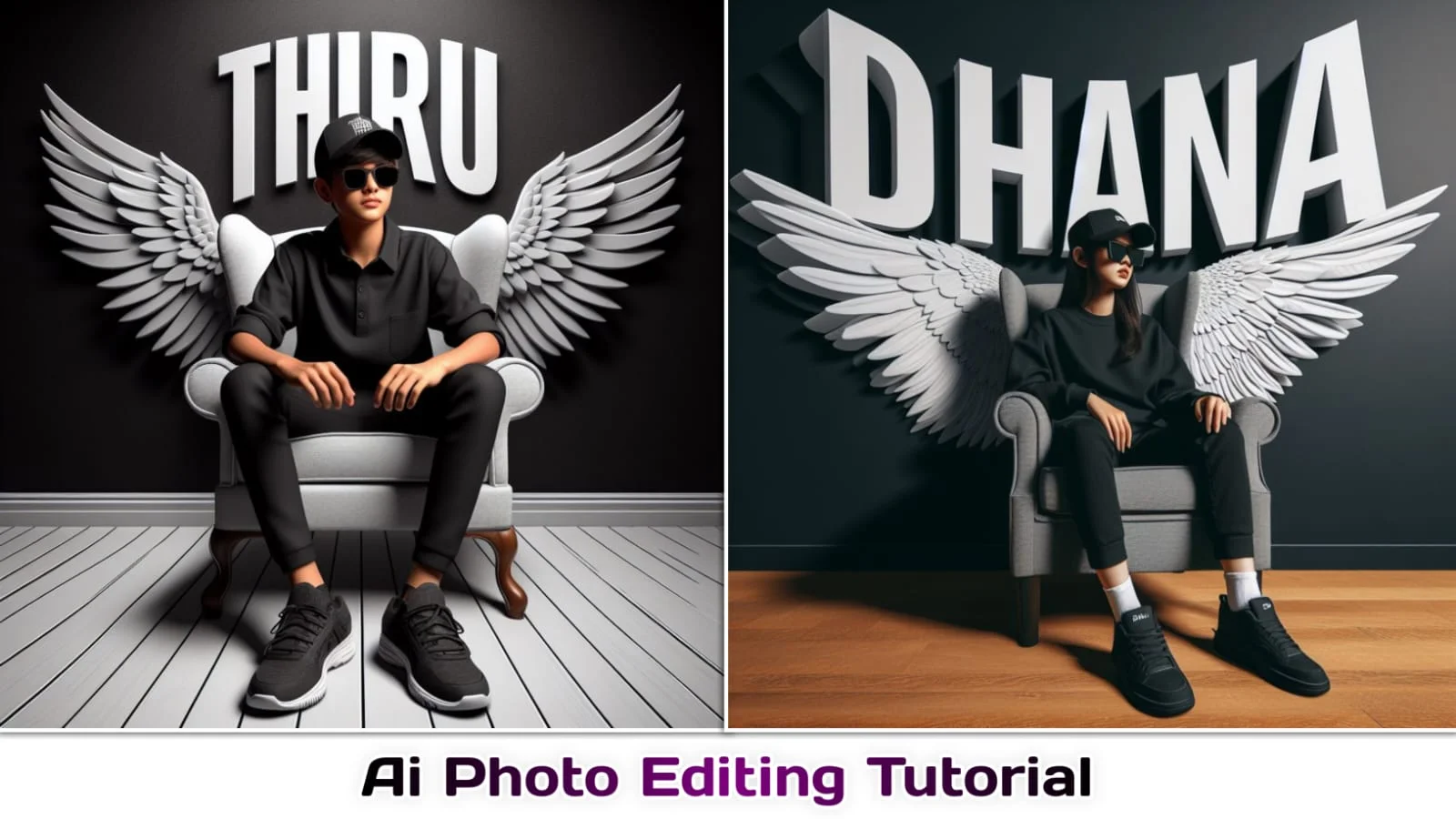
Independence Day is the perfect time to turn ordinary pictures into powerful patriotic visuals. With the right independence day photo editing prompts, you can create Instagram posts, WhatsApp status images, profile pictures, posters, and reels that feel meaningful and modern. Whether you use ChatGPT, Gemini, Midjourney, Picsart, Canva, or another AI editor, a clear prompt works like a creative map. It tells the tool what to add, what to protect, and how the final image should look.
For Indian Independence Day on August 15, you can include the tricolour, India Gate, the Red Fort, traditional clothing, patriotic lighting, and emotional expressions. The best results usually come from a clear photo, a specific background, natural lighting, and instructions that protect your real appearance. AI editing guides also recommend mentioning the subject, setting, patriotic details, lighting, camera style, and output format in each prompt.economictimes.
Why Use Independence Day Photo Editing Prompts?
AI editors can create beautiful images, but they cannot always understand your idea from a short sentence. A detailed prompt gives the tool better direction. Think of it as giving a photographer a complete brief before a photoshoot.
Good independence day photo editing prompts can help you create realistic portraits, cinematic posters, family photos, school-event images, business designs, and social media graphics. You can also choose different moods, such as proud, emotional, joyful, traditional, modern, or dramatic.
For example, “Add an Indian flag” may produce a basic result. However, “Add a softly waving Indian tricolour behind me, preserve my face, use warm sunrise light, and create a realistic cinematic portrait” gives the AI much more useful information.
How to Write Better Prompts
A strong prompt usually contains five simple parts: subject, location, patriotic details, lighting, and style. You can also add the desired size, such as a square Instagram profile picture or a vertical story design.
Use this simple formula:
Subject + background + Independence Day elements + lighting + camera style + output format
For example:
“Edit my portrait into a realistic Indian Independence Day poster. Place me near India Gate with the Indian tricolour waving behind me. Keep my facial features and skin tone unchanged. Add golden-hour lighting, a shallow depth of field, cinematic colours, and a vertical 4:5 composition.”
This structure works well because it removes confusion. It tells the AI what you want and what you do not want. Always mention “keep my face natural” when you upload a personal photo.
1. Realistic Tricolour Portrait
“Edit my uploaded photo into a realistic Independence Day portrait. Keep my facial features, skin tone, hairstyle, body shape, and natural expression unchanged. Add a softly waving Indian tricolour in the background with saffron, white, and green highlights. Use warm golden-hour lighting, realistic shadows, gentle depth of field, and a clean patriotic atmosphere. Make the image sharp, natural, emotional, and suitable for an Instagram post.”
This prompt suits profile pictures, social media posts, and WhatsApp status images. The flag should remain in the background rather than covering your face. Ask the AI to preserve your identity so the result still looks like you.
You can change the mood by adding words such as “confident,” “peaceful,” “proud,” or “smiling.” For a more professional design, include “minimal background” and “no extra objects.”
2. India Gate Background Edit
“Transform my photo into a realistic Independence Day scene at India Gate. Keep my face, hairstyle, skin tone, clothing details, and natural body proportions unchanged. Add the Indian national flag waving naturally near me, soft evening sunlight, a few small patriotic flags, and a slightly blurred background. Use cinematic composition, realistic colours, natural shadows, and a premium photography style.”
India Gate instantly creates a recognisable patriotic setting. This idea works especially well for full-body portraits. Choose a photo where your entire body remains visible and your pose looks natural.
You can request a sunrise or evening mood. Sunrise gives the image a hopeful feeling, while sunset creates a warmer and more dramatic appearance. Avoid adding too many flags because a crowded background may distract viewers from the main subject.
More Independence Day Photo Editing Prompts
The following independence day photo editing prompts can help you create different styles for different purposes. You can copy them directly or adjust the clothing, location, age, pose, and colours.
3. Red Fort Celebration Scene
“Create a realistic Independence Day portrait of me standing near the Red Fort during a patriotic celebration. Preserve my identity, facial features, skin tone, hairstyle, and natural expression. Add the Indian flag flying proudly in the background, soft morning sunlight, a clean crowd blur, and a respectful national celebration mood. Use detailed photography, balanced colours, realistic shadows, and a vertical poster layout.”
This prompt creates a strong historical feeling. It is suitable for August 15 posters and patriotic greeting posts. Ask the editor to keep the crowd slightly blurred so the subject remains clear.
4. Traditional Outfit Transformation
“Edit my photo into an elegant Indian Independence Day portrait. Dress me in a clean white kurta with subtle saffron and green details. Keep my face, skin tone, hairstyle, and natural expression unchanged. Add a simple tricolour background, soft studio lighting, realistic fabric texture, and a graceful patriotic mood. Use a high-quality editorial photography style.”
This style works well when you want a simple and classy image. The phrase “subtle tricolour details” helps avoid excessive orange, white, and green decorations.
You can replace “white kurta” with a saree, salwar suit, Nehru jacket, school uniform, or formal shirt. Always specify realistic fabric and natural fitting for a better result.
5. Rooftop Flag Portrait
“Place me on a rooftop during Independence Day morning. Keep my original face and appearance unchanged. Add me holding the Indian tricolour while it moves naturally in a gentle breeze. Include a soft sunrise, distant city buildings, light clouds, realistic shadows, and a proud but natural expression. Create a cinematic vertical portrait with balanced saffron, white, and green tones.”
A rooftop setting feels personal and relatable. It works well for creators who want a modern social media post rather than a formal poster.
Ask the AI to show realistic wind movement. Otherwise, the flag may look stiff or incorrectly shaped. You can also include “avoid distorted hands and extra fingers” to reduce common AI errors.
Creative Ideas for Social Media
You can adapt your independence day photo editing prompts for Instagram, YouTube thumbnails, Facebook posts, and WhatsApp status designs. A square format works well for profile pictures, while a 9:16 format suits reels and stories.
For a cinematic reel cover, try this prompt:
“Create a dramatic Independence Day poster using my photo. Place me in the foreground with a waving Indian tricolour, glowing sunlight behind my shoulders, soft smoke-like clouds, and a subtle India Gate silhouette. Keep my face realistic and unchanged. Add strong contrast, cinematic colour grading, clean space for text, and a vertical 9:16 composition.”
For a family photo, use:
“Edit our family photo into a warm Independence Day celebration scene. Preserve every person’s face and natural appearance. Add small Indian flags, soft morning light, simple patriotic decorations, and a clean outdoor background. Keep the image realistic, joyful, respectful, and suitable for a family greeting post.”
Apps such as Picsart also support creative effects like fireworks, sparkles, clipart, layered images, and opacity adjustments for festive designs.
Tips for Better AI Photo Results
Before using independence day photo editing prompts, choose a clear and well-lit image. A blurry selfie may produce an unnatural face or incorrect clothing. Front-facing photos usually work better for portraits, while full-body images suit location-based edits.
Follow these practical tips:
-
Upload a high-resolution photo with your face clearly visible.
-
Use one main subject whenever possible.
-
Describe the background instead of using vague words like “beautiful.”
-
Ask the tool to preserve your facial features and skin tone.
-
Mention realistic hands, natural eyes, correct flag colours, and accurate proportions.
-
Choose one main style, such as realistic, cinematic, traditional, or editorial.
-
Request a specific aspect ratio for Instagram, stories, or posters.
-
Generate several versions and select the most natural result.
Always check the final image carefully. AI tools may create incorrect text, unusual fingers, duplicated objects, or distorted flag symbols. If the result looks strange, simplify the prompt and try again.
Useful Negative Prompt
A negative prompt tells the AI what to avoid. Add this line when your editor supports negative instructions:
“Avoid distorted facial features, extra fingers, blurry eyes, unnatural skin, incorrect Indian flag colours, duplicate people, warped hands, random text, heavy filters, plastic-looking skin, and unrealistic clothing.”
This small addition can improve quality. It acts like a safety net that blocks common editing mistakes.

Realistic 4K cinematic 15 August royal poster, vertical 4:5. Use uploaded boy’s face with accurate identity. He sits proudly on a grand royal throne in a dignified patriotic pose, wearing a premium tricolor-accented ceremonial outfit. A majestic Bengal tiger sits calmly beside him. Behind the throne, three identical artistic portraits of his face emerge from saffron-white-green smoke.
A young Indian man in white kurta pajama riding a Royal Enfield through water splashing on a mountain road, holding the Indian flag high, tricolor scarf flying, dramatic rain clouds with saffron white green smoke, golden 3D text “15th AUGUST” on top and “JAI HIND” at bottom, ultra realistic, cinematic lighting, 8k.